
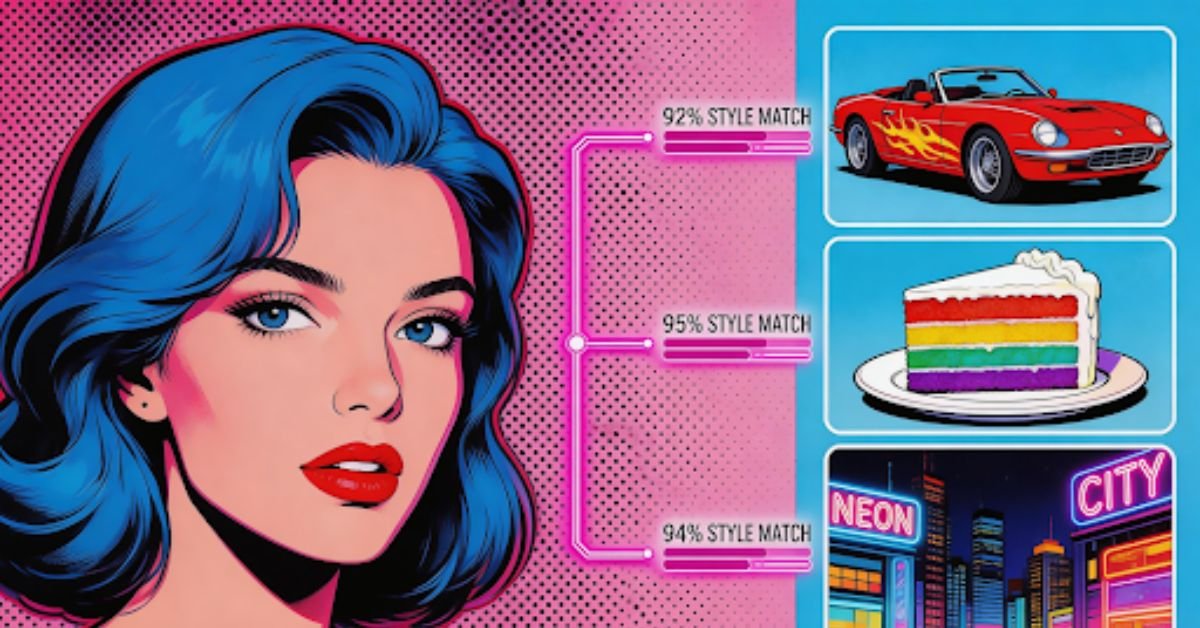
You’ve just stumbled upon an incredible AI-generated artwork. The colors, the composition, the style—it’s exactly what you’ve been trying to achieve. But there’s one problem: you have no idea what prompt created it. How do you reverse-engineer something that amazing?
Enter image to prompt tools—the secret weapon for recreating and learning from AI art. These powerful AI analyzers can examine any image and extract detailed prompts that capture its essence, style, and technique.
In this guide, we’ll explore how to use the free image to prompt generator to recreate AI art, with a special focus on Vheer’s free tool that makes the entire process effortless.
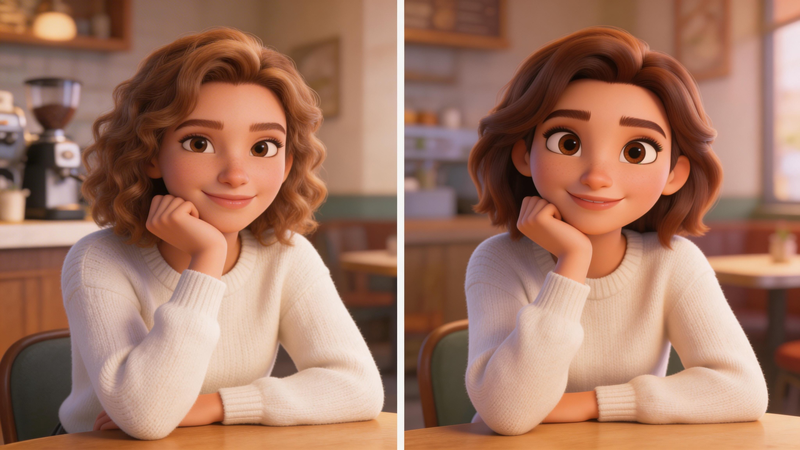
Why Recreate AI Art? Understanding the Value
Before diving into the how, let’s clarify the why. Why would you want to recreate existing AI art?
- Iterative Improvement: Use stunning artwork as a starting point, then tweak the extracted prompt to create variations and improvements.
- Consistent Aesthetics: When working on series or maintaining a brand look, recreating prompts ensures visual coherence across multiple generations.
- Reverse Engineering: Understand what makes a particular style work by deconstructing it into prompt components.
- Inspiration Starting Points: Even if you don’t want an exact replica, extracted prompts provide a foundation for your own creative exploration.
How Image to Prompt Recreation Works
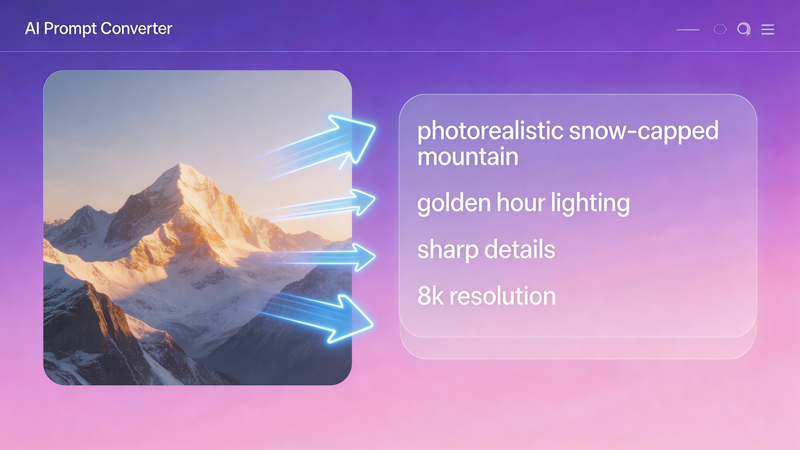
The process is simpler than you might think:
- Upload the Artwork: Provide the image you want to recreate to an image to prompt generator
- AI Analysis: The tool examines the image, detecting subjects, styles, lighting, composition, colors, and mood
- Prompt Generation: A detailed prompt is generated, capturing the visual elements in text form
- Regeneration: Use the extracted prompt to generate new images with similar qualities
The key is using a high-quality AI prompt extractor like Vheer that captures both obvious elements and subtle details.
Vheer: The Ultimate Tool for Recreating AI Art
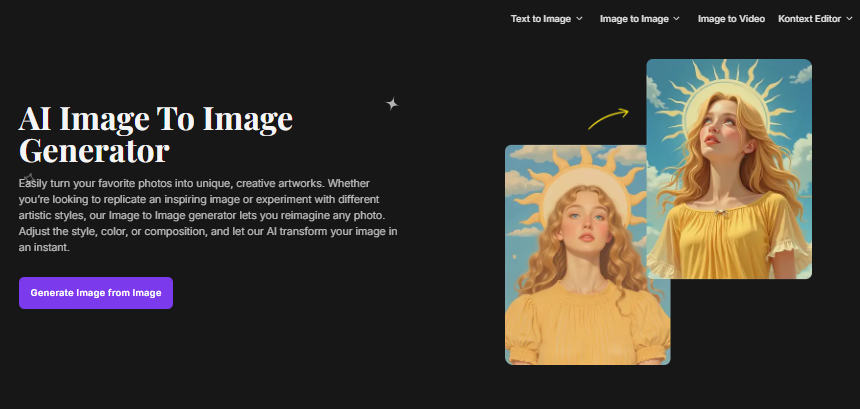
Recreating AI art is no longer about guessing prompts or starting from scratch. With Vheer’s Image to Prompt Generator, you can turn any image into a detailed, structured prompt that captures its core composition, style, lighting, and visual elements.
Instead of manually analyzing an artwork, Vheer intelligently breaks it down into reusable prompt components—making it incredibly easy to generate image from image with the same aesthetic. Whether you want to reproduce a visual style, refine small details, or create multiple variations of a single image, this tool gives you precise control while saving time.
It’s especially powerful for creators who want consistency across outputs, enabling them to recreate art with subtle variations rather than completely changing the style.
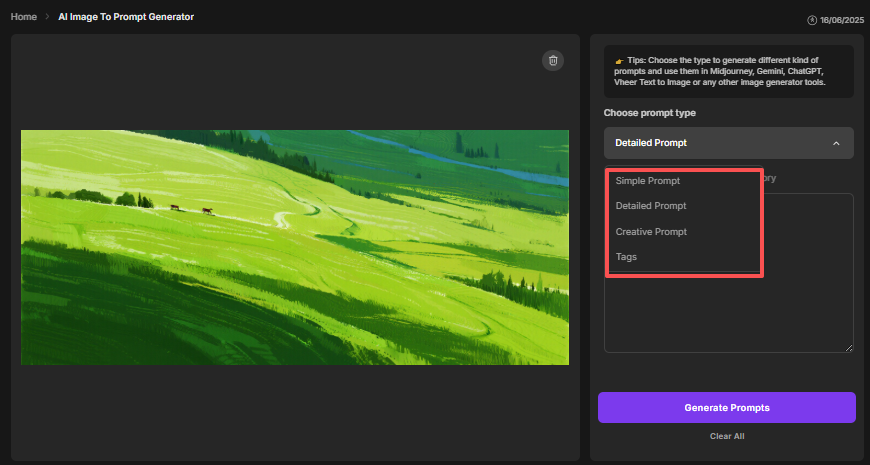
Three Prompt Styles Supported by VheerAI
- The Simple Prompt focuses on the core subject and style, making it perfect for quick ideas and fast variations.
- The Detailed Prompt goes deeper by capturing lighting, textures, composition, colors, and background elements, helping you recreate an image as accurately as possible.
- The Creative Prompt emphasizes mood, atmosphere, and artistic intent, allowing you to generate images that feel similar rather than identical.
Step-by-Step: Recreating AI Art with Vheer
Let’s walk through a complete recreation workflow:
Step 1: Choose Your Reference Artwork
Select an AI-generated image you want to recreate or learn from. This could be:
- – An image you generated previously but lost the prompt for
- – Artwork from an AI art community that inspires you
- – An image from a public gallery or showcase
Pro Tip: Higher resolution images yield better prompt analysis. If possible, use the original, uncompressed version.
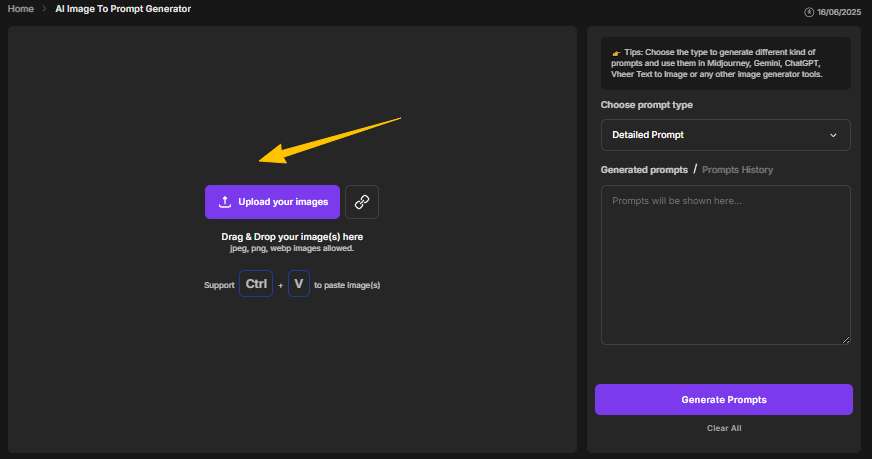
Step 2: Upload to Vheer
Visit Vheer’s AI image prompt generator and upload your reference image. You can:
- – Click “Upload your image” and select from your device
- – Drag and drop the image directly
- – Paste a URL if the artwork is online
Step 3: Choose Your Recreation Approach
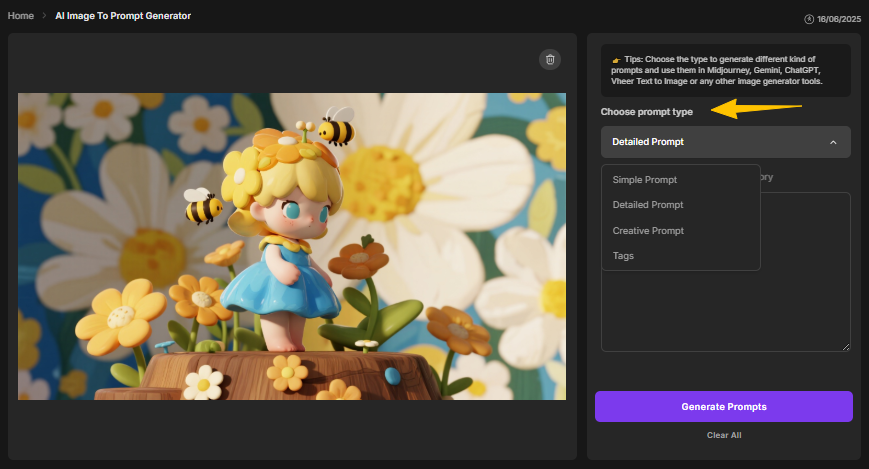
Select the prompt style that matches your goal:
For Exact Recreation: Choose Detailed Prompt to capture as many visual elements as possible.
For Style Understanding: Choose Simple Prompt to focus on core elements without overwhelming detail.
For Creative Variations: Choose Creative Prompt to capture mood and atmosphere while allowing for creative interpretation.
Not sure? Generate all three and compare—the differences will teach you a lot about how prompt structure affects output.
Step 4: Review the Extracted Prompt and Tags
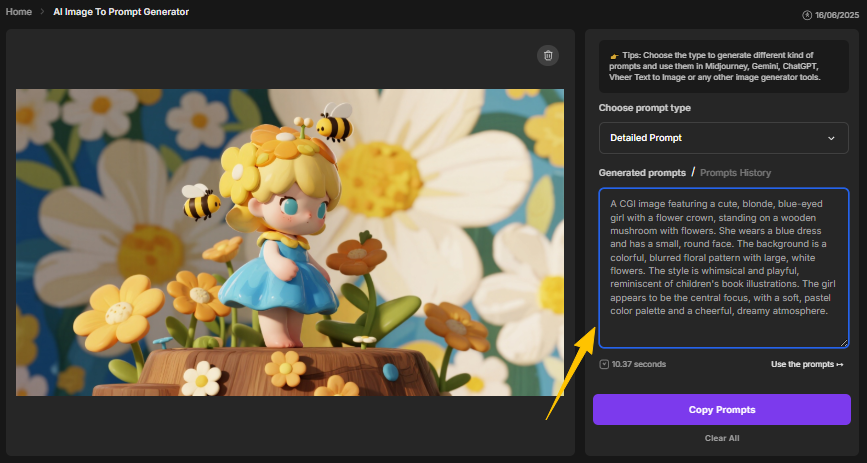
Once generated, review what Vheer extracted:
– Does the prompt capture the main subject? If not, you may need to add details manually.
– Are key style elements mentioned? Check for art movements, techniques, and aesthetic descriptors.
– Is lighting and color described? These are crucial for accurate recreation.
– Do the tags reveal unexpected elements? Sometimes the AI detects details you missed.
Step 5: Generate New Artwork
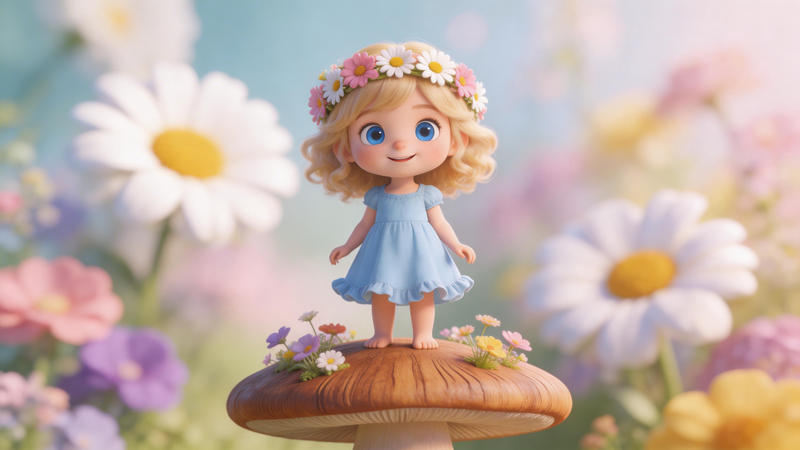
Copy the extracted prompt and use it to generate new artwork. Options include:
- Vheer’s Text-to-Image Generator: Click “Use the Prompt” for seamless integration
- Midjourney: Paste the prompt directly
- DALL·E: Use the prompt as-is or with minor adjustments
- Stable Diffusion: The prompt structure works well with SD’s preferences
Beyond Recreation: Using Extracted Prompts for Original Art
Once you’ve extracted prompts from images, you’re not limited to recreation. Use those prompts as foundations for original work:
- Style Transfer: Extract a prompt from artwork with a style you love, then change the subject to create something original with the same aesthetic.
- Hybrid Prompts: Combine elements from multiple extracted prompts to create unique fusions.
- Prompt Libraries: Build collections of extracted prompts organized by style, mood, or technique—use them as starting points for future projects.
Conclusion: Mastering Art Recreation with Vheer
Recreating AI art isn’t about copying—it’s about understanding. By using Vheer AI to extract prompts from artwork you admire, you gain insight into what makes successful prompts work, learn valuable techniques, and build a foundation for creating original art.
With three prompt styles (Simple, Detailed, Creative), auto-generated tags, browser-based privacy, and completely free access, Vheer provides everything you need to recreate, learn from, and build upon AI art that inspires you.
ALSO READ: AI Transformation Is a Problem of Governance: Strategy, Risk, and Accountability
