
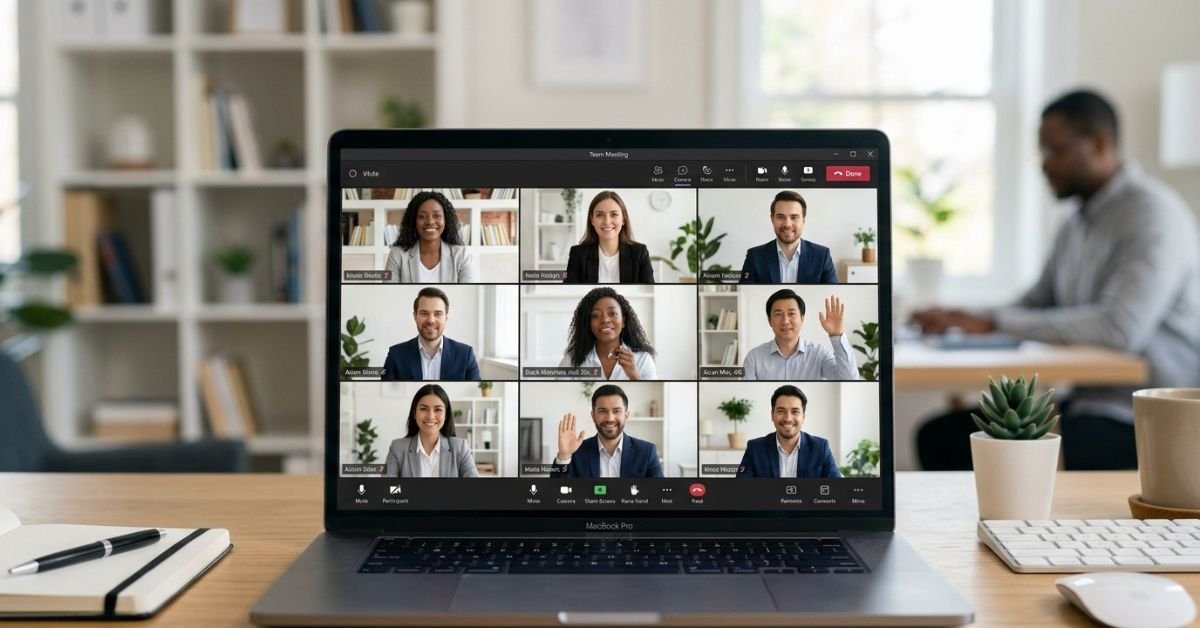
Remote and hybrid work stabilized post-pandemic, but the quality of virtual interactions hasn’t. Bad etiquette costs real money lost productivity, delayed decisions, and weakened team cohesion. Strong etiquette builds psychological safety, improves participation, and directly impacts promotions and client relationships.
Key entities at play: video platforms (Zoom, Microsoft Teams, Google Meet), hybrid setups, AI note-takers and recorders, lighting and backgrounds, body language on camera, and inclusive participation norms.
Preparation: Set Yourself Up for Success
The best meetings start long before anyone hits “Join.”
- Share a clear agenda 24 hours in advance. Include objectives, time allocations, pre-reads, and expected outcomes. This single step cuts meeting time and frustration dramatically.
- Test your tech 15 minutes early. Microphone, camera, internet speed, lighting, and platform updates. Nothing kills momentum like “Can everyone hear me?”
- Choose your environment wisely. Quiet space, neutral or professional background (virtual if needed, but clean and non-distracting), and proper lighting (face a window or use a ring light, avoid strong backlighting).
- Dress appropriately. Business casual or whatever matches your company culture and meeting type. Avoid anything too casual or distracting.
- Review materials and prepare contributions. Know the agenda. Have notes ready. Come with questions or data points.
Pro Tip: Join 2-5 minutes early to settle in and greet others. It shows respect and builds rapport.
During the Meeting: Core Rules That Separate Pros from Amateurs
Camera and Presence
- Default to camera on for most meetings (especially smaller or client-facing ones). It boosts engagement significantly.
- Look at the camera when speaking, not your screen, for better “eye contact.”
- Position yourself centrally with headroom avoid weird angles or lying in bed.
Audio and Interaction
- Stay muted when not speaking. Unmute only when contributing.
- Use hand-raise features or chat to signal without interrupting.
- Speak clearly, at a natural pace. Pause for questions.
Engagement and Focus
- Give full attention. No visible multitasking (typing, checking phone).
- Practice active listening: nod, use reactions, reference others’ points.
- For larger meetings, use chat thoughtfully without derailing flow.
Screen Sharing and Tech
- Share specific windows, not your entire screen.
- Close notifications and tabs.
- Announce and get consent before recording or using AI summaries.
Hybrid Meeting Specifics: The New Challenge
Hybrid adds complexity. In-person attendees often dominate, while remote ones feel sidelined.
- Remote participants: Join on your own device even if in the office for equal presence.
- In-person host: Actively call on remote voices, use inclusive language, and position cameras to show the room.
- Shared visual aids: Ensure everyone sees the same content clearly.
- Time zone awareness: Rotate meeting times when possible for global teams.
Myth vs. Fact: Debunking Common Beliefs
Myth: Camera off is fine if you’re listening. Fact: Consistent camera use correlates with higher engagement and better perceived professionalism. Turn it on unless bandwidth or personal circumstances require otherwise.
Myth: Multitasking is inevitable and harmless. Fact: It shows. People notice distracted eyes or typing. It reduces your contribution quality and team trust.
Myth: Agendas are optional for quick syncs. Fact: Even 15-minute calls benefit from a shared purpose.
Statistical Proof Points
- Professionals spend roughly 11.5 hours per week in virtual meetings (up from 3 pre-2020).
- Meetings with clear agendas and strong etiquette see measurably higher productivity and satisfaction.
- Strong virtual presence influences hiring and promotion decisions in roughly half of executive interviews.
Insights from the Trenches
After years advising teams on remote collaboration, the biggest differentiator isn’t flashy tech it’s consistency in small habits. The people who test their setup, send recaps, and truly listen build the strongest networks. In 2025 tests with hybrid teams, groups following structured etiquette finished decisions 25-30% faster with fewer follow-up clarifications.
FAQs
What are the basic rules of virtual meeting etiquette?
Mute when not speaking, camera on by default for engagement, join early, follow the agenda, avoid multitasking, and always end with clear action items and a summary.
Should I keep my camera on all the time?
For team and client meetings under 10-15 people, yes. In very large all-hands or when facing genuine distractions (e.g., family emergencies), camera off is understandable communicate it briefly.
How do I handle distractions or technical issues?
Mute immediately for noise. For tech problems, announce calmly (“My connection dropped back now”) rather than disappearing silently. Have a backup plan like phone audio.
Is eating during a virtual meeting acceptable?
Generally no, especially with camera on. It’s distracting and unprofessional. Grab snacks before or after.
What about AI tools and recordings?
Always ask for consent upfront. Be transparent: “We’ll use AI notes today anyone object?”
How should follow-up work?
Send a summary with decisions, action items, owners, and deadlines within 24 hours. This turns meetings into progress.
Conclusion
Virtual meeting etiquette boils down to respect for time, clear communication, and thoughtful presence whether you’re on Zoom, Teams, or in a hybrid room. Master the fundamentals (prep, camera discipline, active engagement, follow-through) and adapt to hybrid and AI realities, and you’ll transform how people experience working with you.
CLICK HERE FOR MORE BLOG POSTS

“In a world of instant takes and AI-generated noise, John Authers writes like a human. His words carry weight—not just from knowledge, but from care. Readers don’t come to him for headlines; they come for meaning. He doesn’t just explain what happened—he helps you understand why it matters. That’s what sets him apart.”